Link text checker
Finds links with no accessible name, vague text like "click here", and links that open new windows without warning.
What this check looks for
The audit runs this check with every other check, on the page as the browser renders it.
- Links with no name
- Icon and image links with no text, aria-label or alt text.
- Vague link text
- "Click here", "read more" and "learn more" repeated with nothing to tell them apart.
- Same text, different places
- Several links with identical text that go to different pages.
- New windows without warning
- Links that open a new tab or window without saying so.
What a failure looks like
Three "Read more" links on a services page go to different treatments. Out of context, a screen reader user hears the same words three times.
<!-- Broken: the link text says nothing on its own -->
<h3>Teeth whitening</h3>
<a href="/whitening">Read more</a><!-- Fixed: the link names its destination -->
<h3>Teeth whitening</h3>
<a href="/whitening">Read more about teeth whitening</a>How it shows in AccessGuard
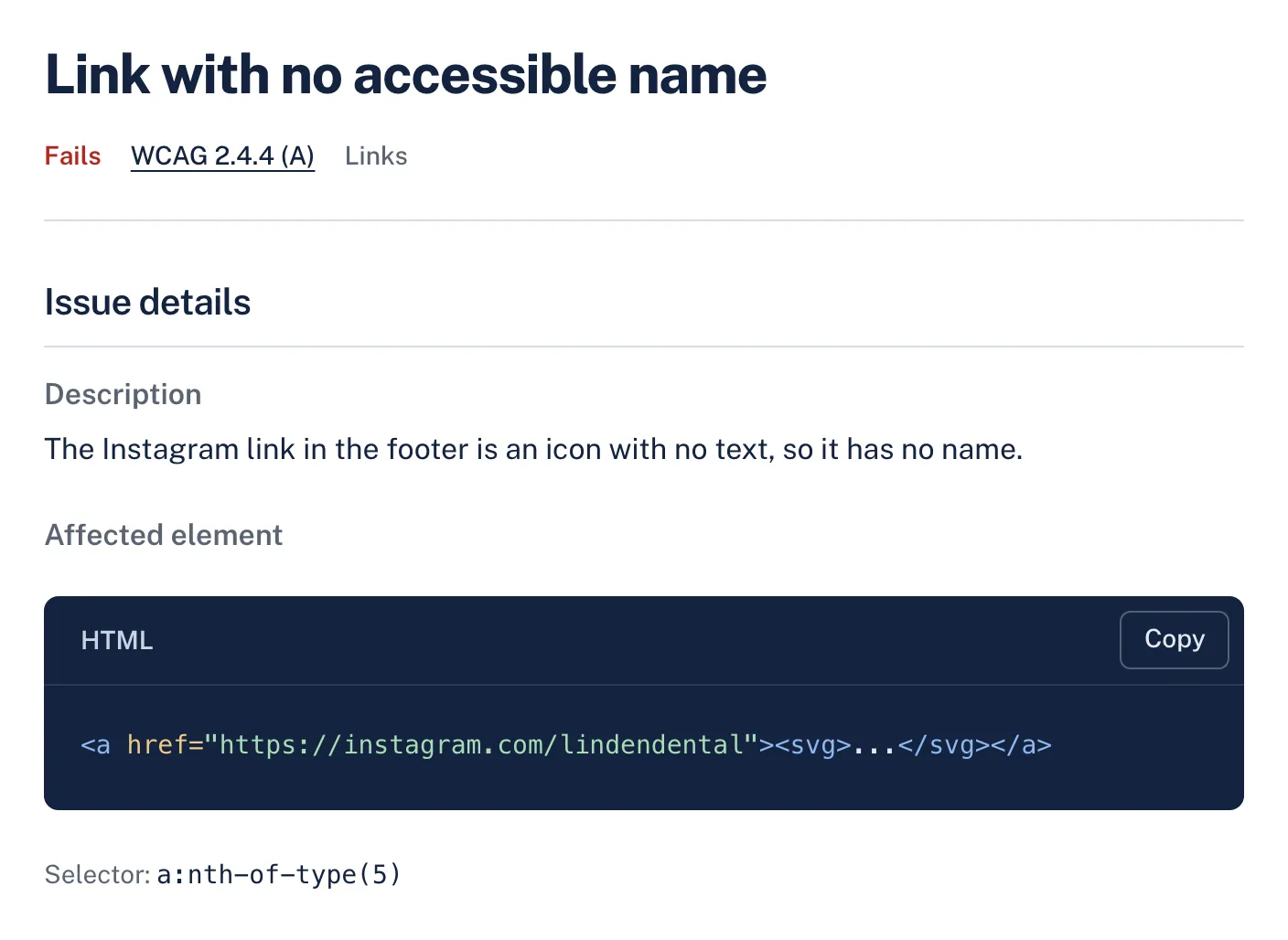
Each finding names the WCAG criterion, explains the problem in plain words and shows the element that fails, so a developer can find it on the page.
WCAG criteria
Findings from this check name one of these criteria. How much of each the audit can decide on its own:
| Criterion | Level | Automation |
|---|---|---|
| 2.4.4 Link Purpose (In Context) | A | Partly automated |
What still needs a person
No automated tool can confirm these. AccessGuard marks related findings as Review, so nobody mistakes them for a pass.
- Whether the surrounding text makes a short link clear enough (WCAG allows context).
- Whether link text matches where the link actually goes.
Questions
Is "read more" always a WCAG failure?
Not always. WCAG 2.4.4 allows the purpose to come from context, such as the surrounding sentence. It still makes lists of links hard to use, so AccessGuard flags it for you to judge.
How do I name an icon-only link?
Give the link an aria-label or visually hidden text that says where it goes, and hide the icon itself from screen readers.
Do links that open a new tab fail WCAG?
Not by themselves, but warning people helps everyone. Add "(opens in new tab)" to the link text or a visually hidden note.
Related checks and guides
-
Checks
Alt text checkerPaste a page address. See every image on it with its alt text, and which ones need fixing.
-
Headings and landmarks checker
A page's URL in, its heading outline and landmarks out, with what is wrong in them.
-
ARIA checker
A page's URL in, every ARIA problem out, with the element and what is wrong with it.
-
Guides
Most Common WCAG Violations (With Code Fixes for Each)The same handful of WCAG violations appear on nearly every website we scan. Here's what they are, why they matter for compliance, and exactly how to fix each one with code examples.
-
Accessibility and SEO: How WCAG Fixes Boost Google Rankings
Alt text, heading structure, semantic HTML, and page speed all matter for both accessibility and SEO. Learn where web accessibility and search optimization overlap and how to improve both at once.
-
How to Test With a Screen Reader: A 20 Minute Website Pass
The smallest screen reader routine that finds real bugs: one reader, a handful of keys and a pass of about 20 minutes per page template.
Every check, not only link text
The free audit runs this check and every other one. Results in about a minute.